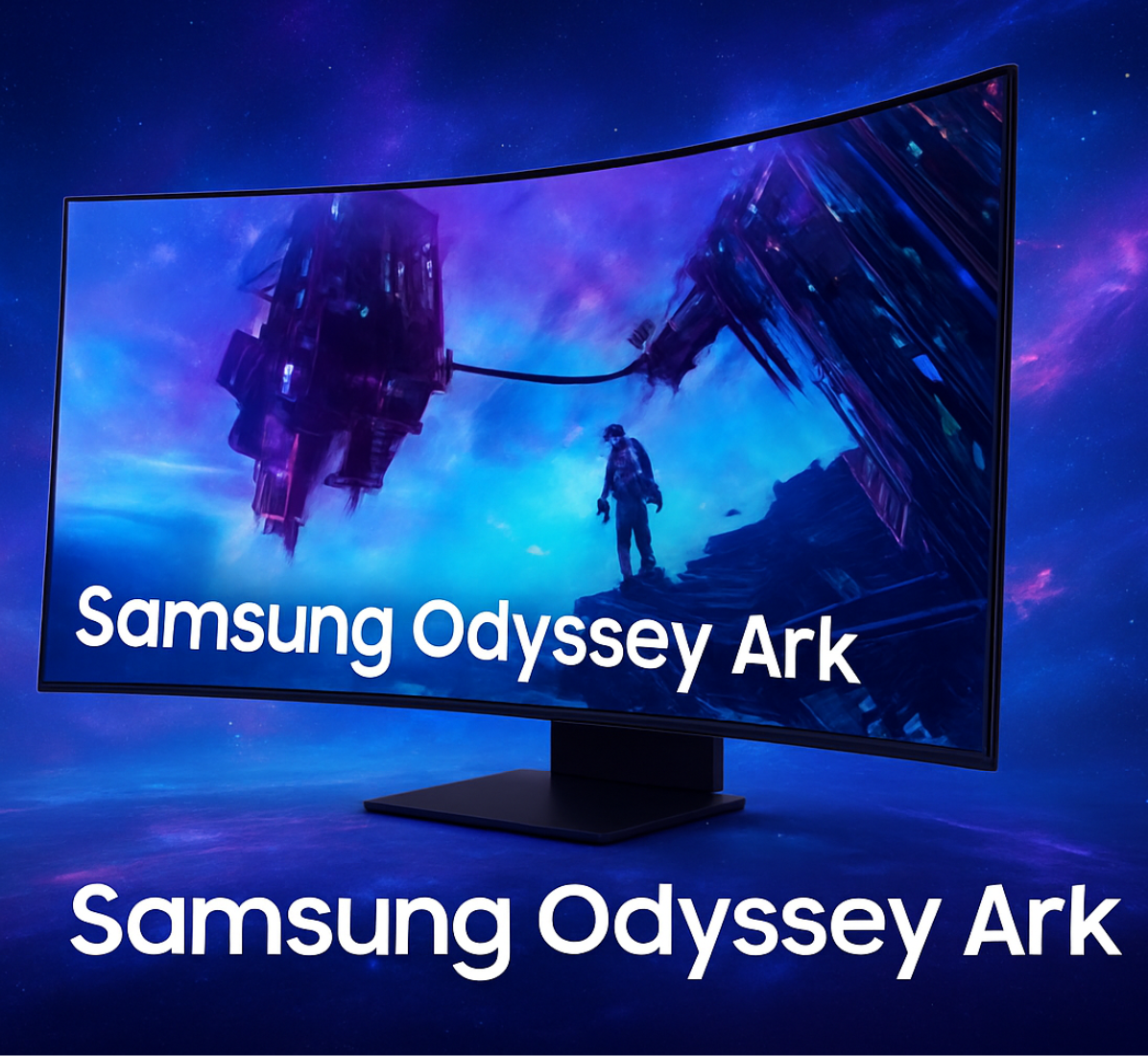
The Samsung Odyssey Ark is a bold entry in display technology, combining a massive curved screen, advanced software, and gaming-focused hardware into a single package. Designed to challenge the way people think about desktop and living-room displays, the Ark blends entertainment, productivity, and competitive gaming features.
With its deep 1000R curvature and large-format panel, the Ark aims to place you at the center of the action, whether you’re gaming, watching films, or multitasking. Samsung’s emphasis on flexible workflows means this display can replace complex multi-monitor setups with a single, unified workspace. This article breaks down its standout features, explores the innovative Smart Cockpit mode, evaluates gaming performance, and explains why this product is being discussed as a redefinition of what a monitor can be.
| Category | Details | Key Insights |
| Main Topic | Samsung Odyssey Ark monitor | Redefines immersive display technology |
| Display Size | 55-inch curved screen | Significantly larger than standard monitors |
| Screen Curvature | 1000R | Matches human field of vision for immersion |
| Resolution | 4K UHD (3840 × 2160) | Ultra-sharp image clarity |
| Display Technology | Quantum Mini LED | Enhanced contrast and brightness control |
| HDR Support | HDR10+ | Deeper blacks and vibrant highlights |
| Refresh Rate | Up to 165Hz | Smooth gaming and reduced motion blur |
| Response Time | 1ms (GtG) | Fast and responsive gameplay |
| Smart Cockpit Mode | Vertical rotating display | Unique multitasking and immersive setup |
| Multi View Feature | Up to 4 simultaneous screens | Eliminates the need for multiple monitors |
| Gaming Features | Adaptive sync, game modes | Optimized performance for gamers |
| Audio System | Dolby Atmos with built-in speakers | Surround sound without an external setup |
| Smart Features | Built-in apps, voice assistant | All-in-one entertainment hub |
| Connectivity | HDMI, USB, wireless options | Flexible device connections |
| Ergonomics | Height, tilt, swivel, rotation | Customizable viewing angles |
| Productivity Use | Multi-window workspace | Ideal for professionals and creators |
| Power Consumption | High due to the large display | Requires efficient power management |
| Ideal Users | Gamers, creators, tech enthusiasts | Premium user segment |
| Key Advantage | Immersive, multifunctional display | Combines monitor + TV + workstation |
| Main Drawback | Expensive and space-consuming | Not suitable for small setups |
What Is the Samsung Odyssey Ark?
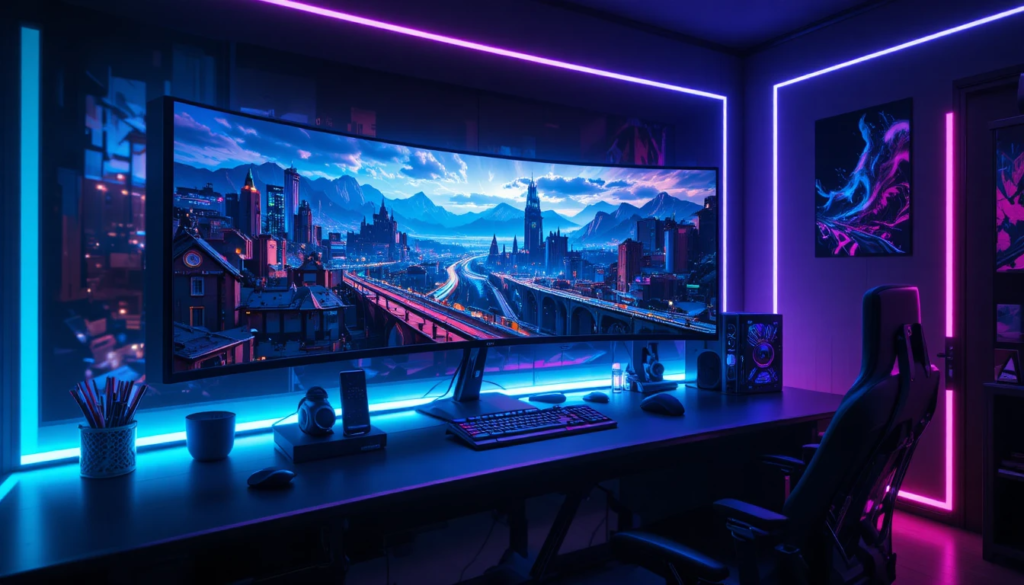
- Overview: The Samsung Odyssey Ark is an ultra-large 55-inch curved display that sits between traditional monitors and TVs in both size and functionality.
- Target users: Gamers, streamers, creative professionals, and multitaskers who want a single, immersive screen for work and play.
- Form factor: A deep curvature with a portrait-to-landscape pivot, allowing flexible orientation for different tasks.
- Design cues: Premium build with a futuristic stand, integrated speakers, and a remote for living-room style controls.
Key Features at a Glance
The Ark packs a long list of cutting-edge hardware and software: a 55-inch OLED (or QD-OLED) panel that delivers deep blacks and high contrast, a 1000R curvature that envelopes your field of view, and high refresh rates (up to 240 Hz in certain configurations) with low response times for smooth, responsive gameplay.
Connectivity is modern and versatile, with HDMI 2.1 and DisplayPort ports ready for the latest consoles and PCs, while built-in speakers and advanced audio tuning make the display a living-room centerpiece. Samsung’s Smart Cockpit mode provides powerful multi-window management and virtual desktop layouts, and broad compatibility with adaptive sync technologies (G-Sync/FreeSync) ensures tear-free performance across a wide range of systems.
Display and Design Details
- Resolution and panel: The panel typically delivers 4K-equivalent width in landscape orientation, providing crisp text and detailed imagery at typical viewing distances for a 55-inch display.
- Curvature: The 1000R curve is designed to match human vision, maximizing immersion and reducing eye strain during extended sessions.
- Build quality: Sturdy stand with rotation/pivot mechanism; cable management solution to keep a tidy setup.
- Inputs: Multiple HDMI 2.1 ports, DisplayPort, and USB hubs make it easy to switch between consoles, streaming devices, and PCs.
Smart Cockpit Mode: What It Is?
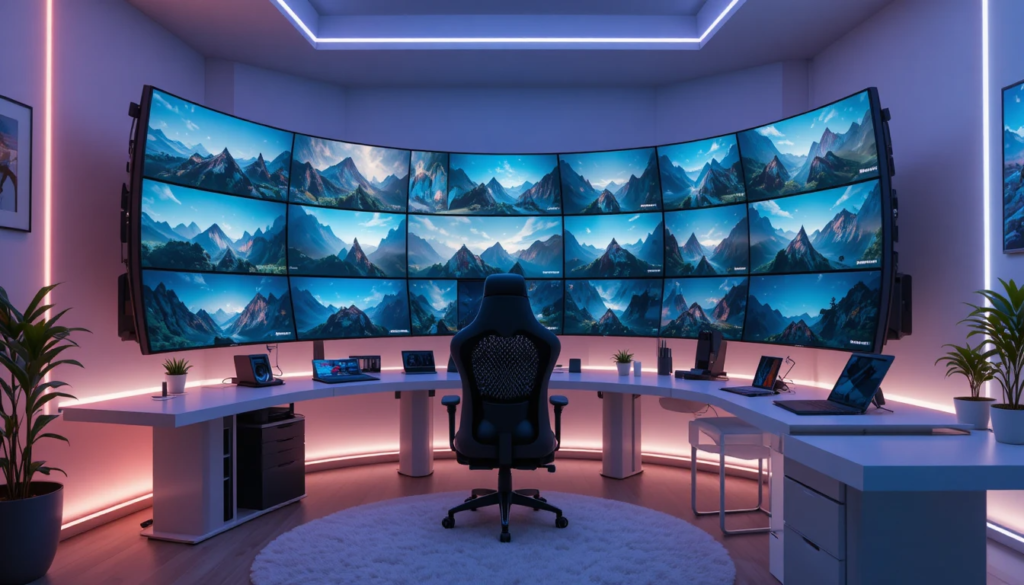
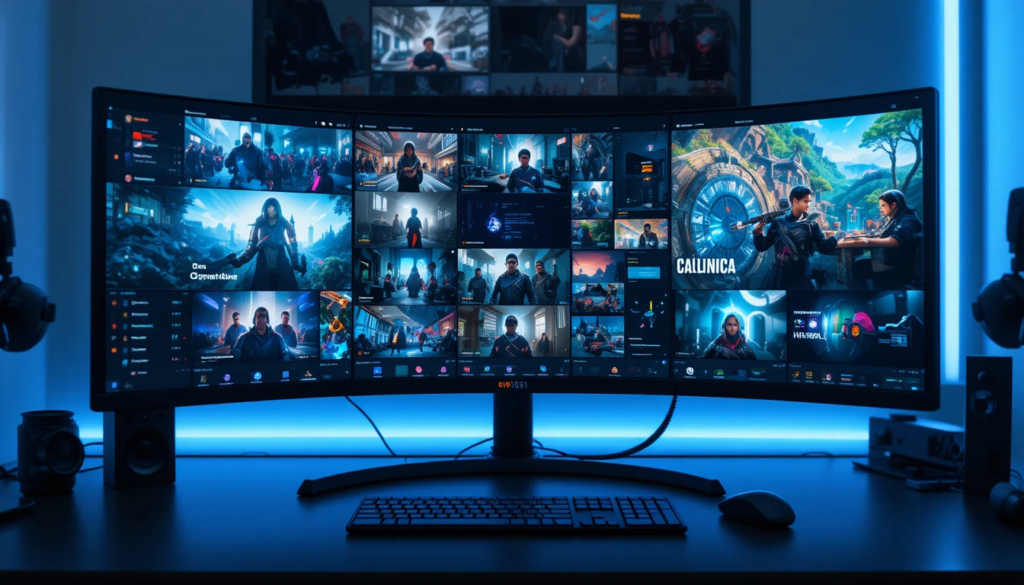
Smart Cockpit mode is one of the most talked-about software features. It’s a window-management platform built into the display that treats the Ark like a giant, configurable workspace.
How Smart Cockpit Works?
Smart Cockpit offers flexible multi-window layouts that let users snap multiple applications into preset grids or custom arrangements, much like tiling window managers on PCs. It supports app-specific profiles so different layouts for gaming, streaming, work, or media consumption can be saved and recalled instantly.
The system also integrates with the remote and voice assistants for hands-free switching and adjustments, and it can emulate virtual desktops, giving the effect of multiple monitors within a single screen—especially useful for content creators who need simultaneous access to editing tools, reference material, and chat windows.
Benefits of Smart Cockpit Mode
- Improved productivity: Replace multi-monitor setups with a single seamless canvas for apps.
- Better streaming workflows: Game in one pane while monitoring chat, alerts, and broadcasting tools in others.
- Console and cloud gaming: Combine gameplay with strategy guides, party chat, or walkthrough videos.
- Accessibility: Customizable sizes and positions make it easier for users with different visual needs to configure a comfortable workspace.
Gaming Performance: Real-World Experience

The Ark isn’t just a novelty — it’s built to perform for competitive and cinematic gaming alike.
Refresh Rate and Responsiveness
- High refresh rate: With up to 240 Hz (device-specific), motion appears smooth, and input latency is reduced, which benefits fast-paced esports titles.
- Low response times: Modern OLED/QD-OLED technologies deliver near-instant pixel transitions, minimizing ghosting and motion blur.
Why the Samsung Odyssey Ark Redefines Monitors
Size and Scope
It blurs the line between monitor and TV, offering a large-format display built with PC-grade responsiveness and features.
Unified Workspace
Smart Cockpit replaces multi-monitor complexity with an all-in-one configurable environment, simplifying setups for professionals and content creators.
Hybrid Use Cases
The Ark supports gaming, streaming, productivity, and media consumption equally well, eliminating the need for separate devices for each purpose.
Design Innovation
The pivoting form factor and deep curvature introduce ergonomics and immersion previously unavailable in conventional monitors.
Future-Proof Connective Standards
With HDMI 2.1, DisplayPort, and adaptive sync, it is ready to handle next-gen consoles and high-performance PCs without compromise.
Practical Considerations and Drawbacks
- Space and placement: A 55-inch curved display requires significant desk or room space and careful positioning to avoid neck strain.
- Price: Premium hardware and unique features mean a higher cost compared to standard monitors; budget-conscious buyers must weigh the benefits.
- Power consumption: Larger OLED/QD-OLED panels can use more power, especially at high brightness settings.
- Overkill for some users: Casual office work or small-desk setups might not benefit from such a large screen.
How the Ark Stands Out?
| Feature | Typical Monitor | Samsung Odyssey Ark |
| Screen size | 24–32 inches | 55 inches (curved) |
| Curvature | Flat or mild | 1000R deep curve |
| Multi-window support | OS-dependent | Built-in Smart Cockpit |
| Refresh rate | 60–165 Hz | Up to 240 Hz (model dependent) |
| Console-ready inputs | HDMI 2.0 common | HDMI 2.1 + DP |
| Immersion | Limited | Designed for enveloping view |
| Price range | Lower | Premium |
Who Should Buy It?
- Streamers and content creators who want a single monitor to manage play, chat, recording, and editing.
- Gamers are craving an immersive setup with high refresh rates and low latency.
- Users seeking a single display for both work and entertainment without running multiple monitors.
- Early adopters and tech enthusiasts who prioritize cutting-edge features and are willing to pay a premium.
Tips for Getting the Most from the Ark
- Optimize room layout: Ensure your seating position aligns with the curve to maximize immersion and reduce strain.
- Calibrate color and brightness: Use built-in or third-party calibration tools for accurate color-critical work.
- Use Smart Cockpit profiles: create separate layouts for streaming, editing, and gaming to switch between tasks quickly.
- Pair with a proper audio system: While the built-in speakers are good, a dedicated sound system or high-quality headset will elevate the experience.
Conclusion
The Samsung Odyssey Ark is more than a monitor: it’s a platform that integrates advanced display technology, versatile software, and gaming-grade performance into one striking package. With Smart Cockpit mode and a focus on immersion and productivity, it reimagines what a single screen can accomplish.
For users who need a multifunctional centerpiece and have the space and budget to accommodate it, the Ark represents a compelling step forward in display design and functionality. Its blend of a massive, immersive panel with workstation-grade features makes it suitable for both serious creators and dedicated gamers.
Want to know about Digital Road Access Systems and the Evolution of European Infrastructure Management Check out our Tech category.
FAQs
Smart Cockpit is Samsung’s built-in multi-window and virtual desktop system. It lets you snap apps into grids, save app-specific layouts, use voice/remote controls, and simulate multiple monitors on one screen—useful for streaming, editing, and multitasking.
Yes—its high refresh rates (up to 240 Hz on supported models), low response times, and support for adaptive sync (G‑Sync/FreeSync) make it suitable for competitive gaming, provided your GPU can drive the panel at high frame rates.
The 1000R curvature is designed to match the human field of view, increasing immersion and reducing eye strain when you sit centered at the optimal distance. Incorrect placement or viewing angle can reduce benefits, so positioning matters.
For many workflows, yes. Smart Cockpit’s virtual desktops and large canvas allow you to tile multiple apps and windows without physical monitor bezels. Power users with highly specialized multi-monitor needs may still prefer dedicated displays.