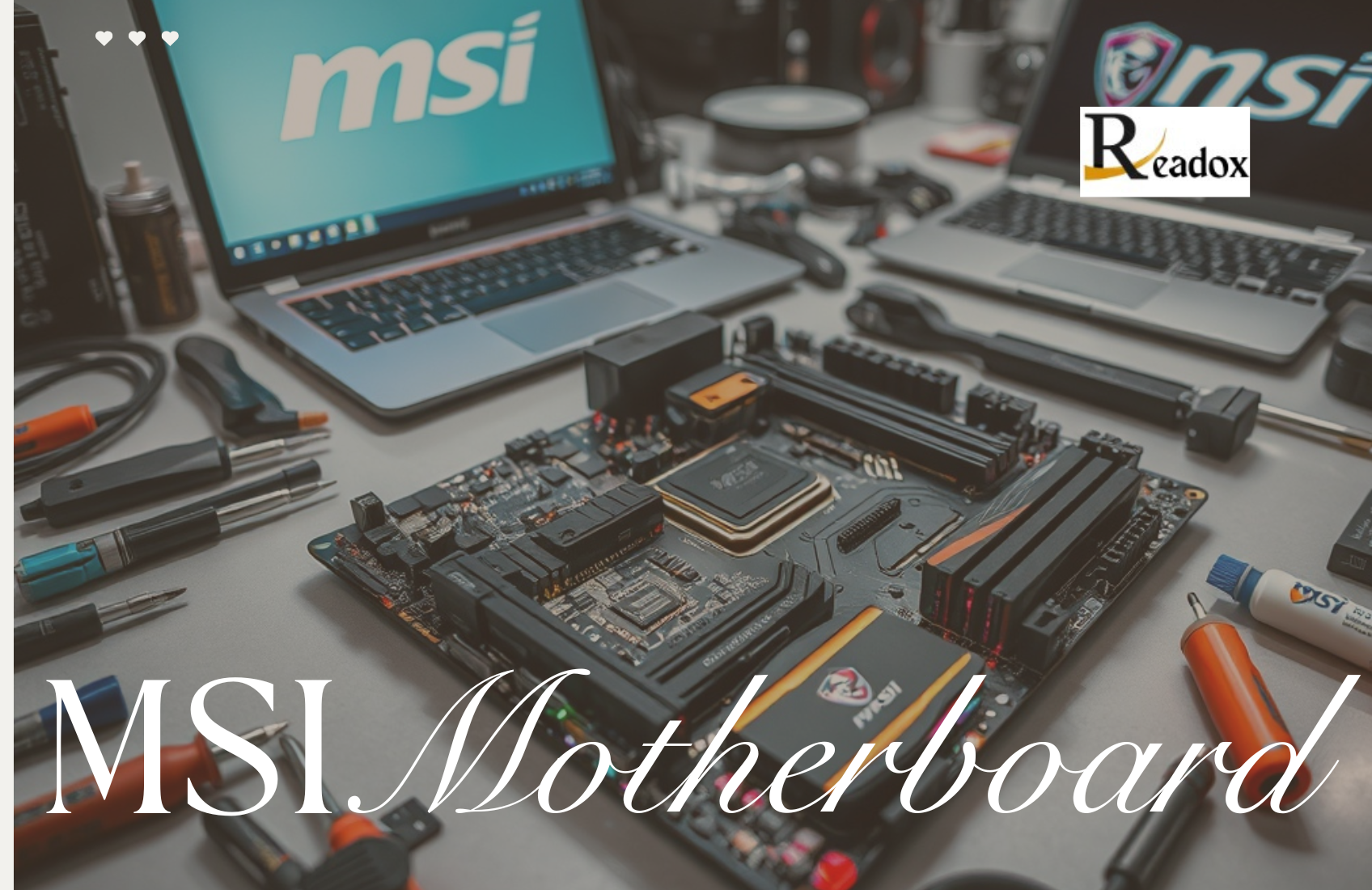
Introduction to MSI Motherboard
When building a high-performance PC, choosing the correct motherboard is critical, and MSI motherboards have established themselves as a top choice for abolishers, content creators, and PC enthusiasts alike. Known for their reliability, innovative features, and robust design, MSI boards cater to users of all types, from budget builders to high-end enthusiasts.
With models offering advanced gaming features, overclocking capabilities, and seamless connectivity, MSI ensures that your system performs at its best, whether you’re running the latest AAA games, streaming content, or managing demanding workloads. In this comprehensive guide, we explore expert reviews, performance tests, gaming features, installation tips, and more to help you make an informed decision about MSI motherboards.
MSI Motherboard Features and Specifications Table
| Feature / Model | Description / Details |
|---|---|
| Brand Name | MSI (Micro-Star International) |
| Established | 1986, Taiwan |
| Popular Series | MEG, MPG, MAG, PRO |
| Best for Gaming | MSI MEG Z790 GODLIKE |
| Best for Budget Builds | MSI B550 Tomahawk |
| Best for Creators | MSI Creator X570S |
| Chipset Support (Intel) | Z690, Z790, B660, H610 |
| Chipset Support (AMD) | B550, X570, X670E |
| Memory Support | DDR4 and DDR5 (up to 192GB) |
| Overclocking Capability | Supported on unlocked CPUs |
| Cooling System | Extended heatsinks and Frozr design |
| Audio Technology | MSI Audio Boost 5 HD |
| Connectivity Options | Wi-Fi 6E, Bluetooth 5.3, 2.5G LAN |
| Storage Options | M.2 NVMe, SATA 6Gb/s |
| Expansion Slots | PCIe 5.0 / PCIe 4.0 support |
| RGB Lighting | Mystic Light RGB with 16.8M colors |
| BIOS Interface | Click BIOS 5 (user-friendly design) |
| Software Utility | MSI Center for system monitoring |
| Form Factors | ATX, Micro-ATX, Mini-ITX |
| Build Material | Military-grade PCB and reinforced armor |
| Power Phases | Up to 18+1+1 VRM for stable power |
| Warranty | Typically 3 years (varies by region) |
| Compatibility | Works with Intel & AMD CPUs |
| Ideal Users | Gamers, streamers, professionals |
| Price Range (Approx.) | £120 – £1,000+ depending on model |
Expert Reviews of MSI Motherboards
MSI motherboards have long been a preferred choice among gamers, content creators, and PC enthusiasts due to their consistent performance and reliability. Expert reviews often highlight MSI’s focus on innovative features, user-friendly BIOS, and robust build quality. Models like the MSI MPG Z690 Carbon WiFi and MSI MAG B550 Tomahawk consistently receive top marks for stability, overclocking potential, and connectivity options.
Reviewers emphasize that MSI motherboards excel in balancing premium features with reasonable pricing, making them suitable for both high-end builds and budget-friendly systems. Features such as reinforced PCIe slots, extended VRM heatsinks, and efficient thermal designs enhance durability, as demonstrated by performance comparisons with other leading brands.
Performance Tests and Benchmarks
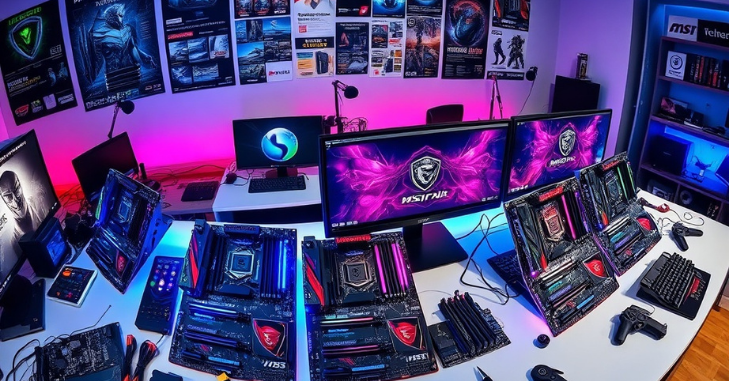
MSI motherboards undergo rigorous performance tests to ensure they meet the demands of gaming, multitasking, and professional workloads. Benchmark results indicate that MSI boards consistently deliver high frame rates, low latency, and stable overclocking capabilities. For example, testing the MSI MEG Z690 Ace with the latest Intel Core i9 processor demonstrates excellent thermal management, even under heavy gaming or rendering workloads.
Gaming performance benchmarks show that MSI motherboards with DDR5 memory support can handle the latest AAA titles smoothly, with minimal frame drops and superior responsiveness. Additionally, MSI boards often include advanced power delivery systems that stabilize CPU performance during overclocking, making them a favorite among enthusiasts who push their systems to the limit.
Gaming Features That Make MSI Stand Out
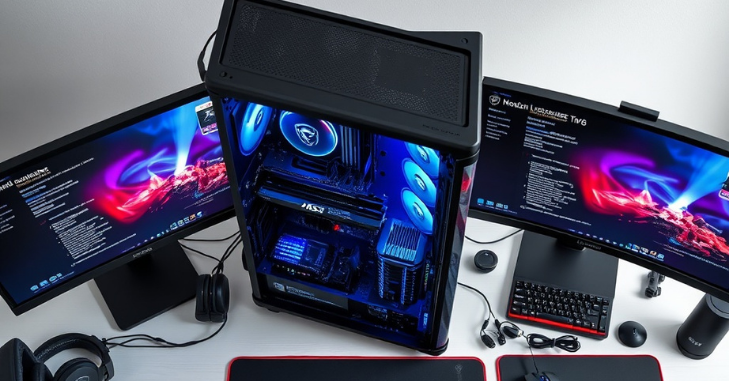
One of MSI’s strongest selling points is its suite of gaming-centric features designed to enhance the player’s experience. Features such as Mystic Light RGB, PCIe Steel Armor, and Audio Boost provide both aesthetic appeal and functional benefits. Mystic Light lets users customize RGB lighting with thousands of color options, while Steel Armor keeps graphics cards secure and free from signal interference.
Other features, such as LAN Manager and WiFi 6E connectivity, ensure low-latency, high-speed internet for competitive online gaming. MSI’s exclusive Game Boost feature automatically overclocks the CPU to optimize performance during demanding gaming sessions. Many reviewers highlight that these gaming-focused technologies give MSI motherboards a noticeable edge over competitors, particularly for sports enthusiasts and high-performance gamers.
Installation Tips for MSI Motherboards
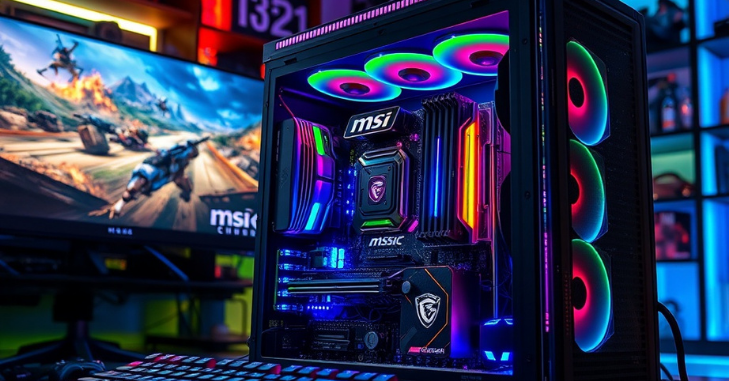
Installing an MSI motherboard can be straightforward if you follow best practices. Start by carefully unpacking the motherboard and handling it by the edges to avoid static damage. Before installing components, ensure that the BIOS is updated to support your CPU and RAM configurations.
When placing the motherboard in the case, align the I/O shield and securely fasten all screws without over-tightening. Pay special attention to connecting power connectors, including the 24-pin ATX and 8-pin CPU power cables. Installing RAM and graphics cards should follow the manufacturer’s guidelines, ensuring proper slot placement and seating.
MSI also includes helpful guides and software tools, such as MSI Center, that assist with firmware updates, fan tuning, and system monitoring. Proper cable management is essential not only for aesthetics but also for airflow, helping prevent overheating and ensuring longevity.
Key Features and Specifications to Consider
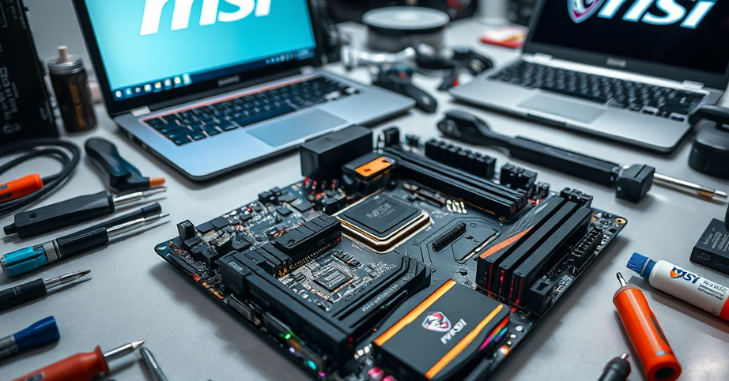
When choosing an MSI motherboard, several specifications are critical for optimal performance. Key features include:
- Chipset Compatibility: MSI boards support a range of Intel and AMD chipsets, such as Z690, B550, and X670, enabling flexibility in CPU selection.
- Memory Support: Most modern MSI motherboards support DDR4 and DDR5 RAM, with high-speed profiles for gaming and multitasking.
- Expansion Slots: Multiple PCIe slots allow users to install GPUs, sound cards, and other peripherals efficiently.
- Storage Options: NVMe M.2 slots and SATA connectors provide flexibility for SSDs and traditional HDDs.
- Connectivity: USB 3.2 Gen 2, Thunderbolt 4, and high-speed Ethernet ensure smooth data transfer and low-latency networking.
These specifications play a significant role in system performance, and MSI ensures that even budget models maintain a solid foundation for gaming or professional workloads.
MSI Motherboards for Future Upgrade Potential
One of the key advantages of MSI motherboards is their strong focus on future upgradeability, making them a smart long-term investment for PC builders. Many MSI models support the latest CPU generations, DDR5 memory, and PCIe 5.0 technology, allowing users to upgrade components without replacing the entire system. This ensures that a single motherboard can remain relevant for several years, even as hardware standards evolve.
Troubleshooting Common MSI Motherboard Issues
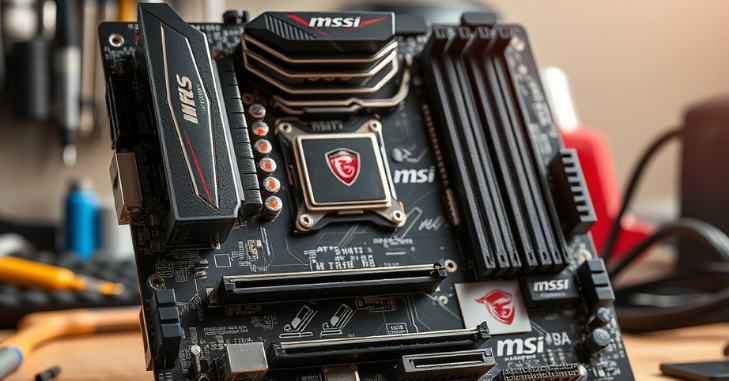
Even high-quality motherboards like MSI can occasionally encounter issues. Common problems include boot failures, BIOS errors, or hardware incompatibility. For boot issues, experts recommend resetting the CMOS and checking that all power connections are secure. If a system fails to recognize RAM or storage devices, reseating the components or updating the BIOS often resolves the problem.
MSI also provides a suite of diagnostic tools through MSI Center and official support forums, enabling users to resolve issues quickly. Users are advised to monitor system temperatures and voltages, especially after overclocking, to prevent hardware damage. Many MSI boards feature built-in LEDs that indicate hardware faults, simplifying troubleshooting for both beginners and advanced users.
MSI Motherboards for Different Types of Users
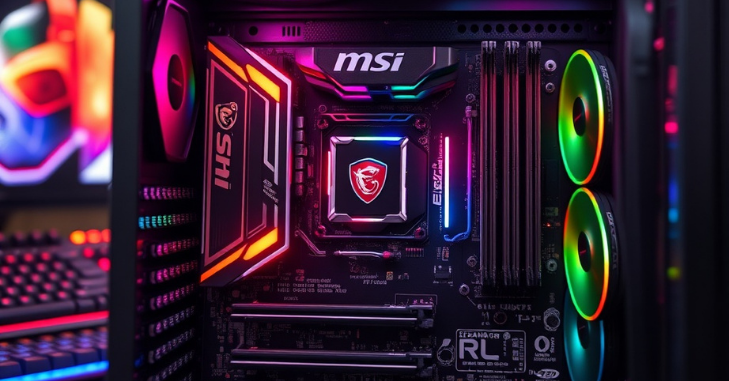
MSI offers a wide range of motherboards tailored to different needs:
- For Gamers: Models with advanced cooling, RGB lighting, and overclocking capabilities.
- For Content Creators: Boards optimized for multi-core processors, high-speed storage, and fast RAM.
- For Budget Builds: Affordable options with essential features, reliable performance, and upgrade potential.
- For Enthusiasts: High-end motherboards like the MEG series provide extreme overclocking, premium VRM designs, and extensive connectivity.
This versatility ensures that whether you are building a gaming rig, workstation, or casual PC, MSI has a suitable motherboard that balances performance, aesthetics, and value.
Conclusion
MSI motherboards stand out in the crowded motherboard market due to their combination of performance, durability, and user-focused features. Whether you’re a competitive gamer, a content creator, or building a PC on a budget, MSI offers models tailored to your needs. From robust performance benchmarks to advanced gaming technologies and easy installation guides, these motherboards deliver both reliability and flexibility. By understanding the features, specifications, and troubleshooting tips discussed in this guide, you can confidently choose the MSI motherboard that perfectly aligns with your PC build goals, ensuring long-lasting performance and an exceptional computing experience.
Want to know about 2K Monitor: Unveiling the Ideal Resolution for Gaming, Productivity, and Visual Precision Check out our Tech category.
Frequently Asked Questions (FAQs)
MSI motherboards are designed with gamers in mind, featuring advanced cooling systems, reinforced PCIe slots, low-latency LAN, WiFi 6E connectivity, and customizable RGB lighting. Features like Game Boost also optimize CPU performance for smooth gameplay.
Many MSI motherboards, especially the MEG and MPG series, are designed for overclocking. They feature robust VRMs, advanced cooling, and easy BIOS settings to enhance CPU performance safely.
Updating the BIOS can be done via MSI Center or through the motherboard’s BIOS interface. Always ensure you download the correct BIOS version from the official MSI website to avoid system issues.