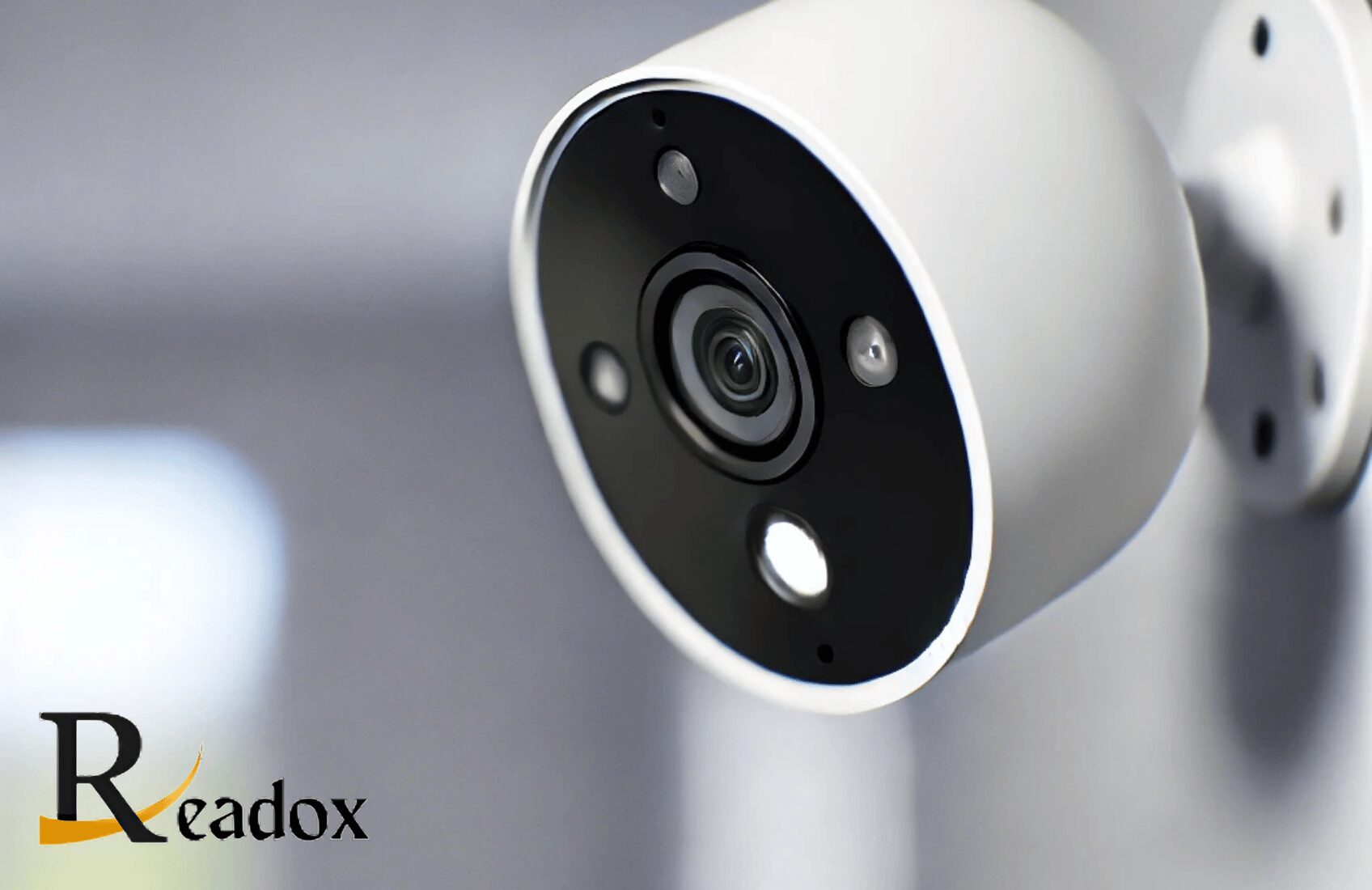
Wireless security cameras send video to your phone, a hub or the cloud over Wi-Fi (or another radio link) rather than through a video cable, so most can be fitted in under an hour without running cables through walls. For a typical UK home, the right choice comes down to three questions: how the camera is powered (battery, solar or mains), where footage is stored (cloud subscription or local microSD card/hub), and how strong your Wi-Fi is where the camera will sit. You might also like Denim Co-Ord Set.
This guide explains the main camera types, the features that genuinely make a difference, how to compare running costs, how to get reliable Wi-Fi outside, a step-by-step installation routine, and the UK privacy and product-security rules that apply once your camera sees beyond your own property.
How wireless security cameras work
A wireless camera captures video, compresses it (usually with H.264 or the more efficient H.265 codec) and sends it over your home network to an app, a base station or the manufacturer’s cloud servers. From there you can watch a live feed, receive motion alerts and scroll back through recorded clips on your phone.
“Wireless” describes only the data connection. Many models still need a power cable, so it helps to keep the two ideas apart:
- Wire-free: battery powered, sometimes topped up by a small solar panel. No cables at all, which makes them ideal for renters.
- Wireless but mains powered: Wi-Fi for data, with a plug-in adaptor or a hardwired supply for power. These can record continuously rather than only on motion.
- PoE (Power over Ethernet): strictly speaking a wired camera, as one network cable carries both power and data. It is often the most reliable option for serious outdoor coverage, because there is no Wi-Fi to drop out and no battery to charge.
Types of wireless security cameras
Each type suits a different spot around the home. Most households end up with a mix, for example a video doorbell at the front, a floodlight camera over the driveway and a small plug-in camera indoors.
| Type | Best for | Main trade-off |
|---|---|---|
| Battery (wire-free) | Renters, sheds, driveways and spots with no socket nearby | Records clips on motion rather than continuously; batteries need charging every few weeks to months depending on activity |
| Solar-assisted battery | South-facing walls, gardens and outbuildings | Short UK winter days mean the panel may not keep up with heavy use |
| Plug-in Wi-Fi | Indoor rooms, porches and garages with power | Needs a socket or a neatly run cable |
| Video doorbell | Front doors and parcel monitoring | Narrow view of the wider property |
| Floodlight camera | Driveways and dark rear gardens | Usually needs hardwiring by a competent electrician |
| Pan-tilt indoor camera | Checking on pets or large open-plan rooms | Indoor only in most cases; privacy considerations for people living in the home |
| 4G camera | Allotments, building sites and holiday homes without broadband | Needs a data SIM and a decent mobile signal |
Older analogue wireless cameras that broadcast on fixed radio frequencies to a receiver still exist, but they are now rare in high-street shops. Nearly all current consumer models are digital Wi-Fi cameras, which encrypt their stream and are less prone to interference.
Key features that actually matter
Resolution and field of view
1080p is the practical minimum today. 2K and 4K cameras make it easier to pick out a face or read a number plate, but they use more storage, more upload bandwidth and more battery. Field of view matters just as much: a wide lens of roughly 130 to 160 degrees can cover a whole garden with one camera, while a narrower lens shows more detail at a distance. For identifying people, placement and distance usually count for more than the headline resolution on the box.
Night vision
Infrared night vision produces a black-and-white image in complete darkness. Colour night vision relies on a built-in spotlight or ambient light such as a street lamp. A spotlight doubles as a deterrent, but check whether it will shine into a neighbour’s bedroom window before you commit to a position.
Motion detection and smart alerts
Basic pixel-based motion detection triggers on any change in the image, so swaying trees, rain and passing cars can cause dozens of alerts a day. Person, vehicle, animal and parcel detection, combined with adjustable activity zones, cut false alarms dramatically. Battery cameras typically use a PIR (passive infrared, heat-sensing) sensor to wake up, which saves battery but can miss someone walking straight towards the lens. Angling the camera so people cross the field of view, rather than approach it head-on, improves detection.
Two-way audio
A microphone and speaker let you speak to a delivery driver or challenge someone in the garden. Audio recording is more intrusive than video, and the ICO notes it is harder to justify, so consider switching audio recording off if the camera covers a pavement, road or shared space.
Weather resistance
For outdoor use in British weather, look for an IP rating of at least IP65, ideally IP66 or IP67. Check the stated operating temperature range too, as lithium batteries lose capacity during cold snaps and some models stop charging below freezing.
Smart home compatibility
If you already use Alexa, Google Home or Apple Home, check which ecosystems a camera supports before buying. Compatibility lets you view a doorbell feed on a smart display or trigger lights when motion is detected, but support varies by brand and model.
Cloud vs local storage
Where your footage is stored affects both what you pay over time and how safe your evidence is.
| Storage option | Pros | Cons |
|---|---|---|
| Cloud | Clips are off-site, so a thief cannot take the evidence; easy sharing; often unlocks smart alerts | Ongoing monthly or annual fee; depends on your internet connection |
| Local (microSD, hub or NVR) | No subscription; works during broadband outages | Footage can be lost if the device is stolen, damaged or the card fails |
| Hybrid | Local recording with optional cloud backup gives both resilience and convenience | Slightly more set-up; may still involve a fee for cloud features |
When comparing prices, add up the cost of the camera plus three years of any subscription you would realistically need. A cheaper camera with a mandatory plan can end up costing more than a pricier model with free local storage. Also check whether the plan is priced per camera or per household, because that makes a big difference once you have three or four cameras.
Getting reliable Wi-Fi to your cameras
Weak Wi-Fi is the most common reason wireless cameras disappoint. Brick and block walls, particularly thick exterior walls, absorb signal, and metal garage doors and foil-backed insulation make it worse. Before you buy, stand where the camera will go and run a speed test on your phone; if the upload speed is poor or the connection drops, fix that first.
- Most cameras use the 2.4 GHz band, which travels further through walls than 5 GHz. Make sure your router broadcasts it and that the camera’s network name is not hidden.
- A mesh Wi-Fi system or a weatherproof outdoor access point fixes most garden and garage dead spots.
- Each HD camera uploads data while you watch live or while it records to the cloud; several 4K cameras can strain a slow broadband upload speed.
- Some systems use a base station that talks to the cameras on its own radio link, which can reach further than home Wi-Fi.
- If a camera keeps going offline, move the router or a mesh node rather than repeatedly resetting the camera.
How to install a wireless security camera
- Plan coverage: front door, back door, side access and the driveway are the usual priorities. Walk the route a burglar would take and note where they would be visible.
- Charge and set up indoors first: install the app, connect the camera to Wi-Fi and update the firmware before you climb a ladder.
- Test signal and view: hold the camera in its intended spot and check the live feed and signal strength in the app before drilling.
- Mount at the right height: roughly 2 to 3 metres is common, high enough to deter tampering but low enough to capture faces rather than the tops of heads.
- Set activity and privacy zones: exclude the road, pavement and neighbours’ property wherever the app allows.
- Tune sensitivity: spend a few days adjusting motion sensitivity and alert types until you get useful alerts without constant noise.
- Secure the account: use a unique strong password, turn on two-factor authentication and only share access with people who need it.
Security cameras sit comfortably alongside other connected devices. If you are building a smarter home, our guide to the best robot vacuum cleaners in the UK covers another popular app-controlled gadget, and our home organisation tips for smarter DIY and garden living can help you plan outdoor projects around your new cameras.
Common mistakes to avoid
- Mounting too high: a camera under the eaves often records only hoods and hats. Aim for a height and angle that shows faces.
- Pointing into the sun: east- or west-facing cameras can be blinded at sunrise or sunset. Angle them slightly downwards and avoid bright sky in the frame.
- Ignoring battery reports: check battery levels weekly at first, so you learn how long a charge really lasts in each spot.
- Filming next door: wide lenses easily take in a neighbour’s garden or windows, which is the quickest route to a dispute.
- Never updating firmware: updates fix security flaws as well as adding features.
UK privacy rules for home security cameras
If your camera only records inside your home and your own garden, data protection law does not generally apply. Once it captures images beyond your boundary, such as a shared driveway, a neighbour’s garden or the public street, the Information Commissioner’s Office (ICO) says UK GDPR and the Data Protection Act 2018 apply to you. In practice that means you should:
- have a clear reason for filming beyond your property and keep coverage to the minimum needed;
- put up a sign saying recording is taking place;
- keep footage only for as long as you need it and store it securely;
- respond if someone asks for a copy of footage of themselves, or asks you to delete it.
Talking to neighbours before you install is usually the simplest way to avoid disagreements; showing them the camera’s view on your phone often settles concerns straight away. Landlords, businesses and blocks of flats with shared areas face stricter obligations, so read the ICO’s domestic CCTV guidance for your situation.
Keeping your camera secure from hackers
Since April 2024, the UK’s Product Security and Telecommunications Infrastructure (PSTI) regime has required manufacturers of connectable consumer products sold in the UK to avoid universal default passwords, publish how to report security issues and state how long they will provide security updates. Check that support period before you buy; a camera that stops receiving updates after a short time is a poor long-term buy. Once installed, keep firmware updated, use two-factor authentication, place cameras on a guest or separate network if your router supports it, and review which family members have access in the app every so often.
Quick buying checklist
- Power: battery, solar, plug-in or hardwired?
- Storage: can it record locally without a subscription?
- Detection: person and vehicle detection, plus activity and privacy zones
- Weatherproofing: IP65 or higher for outdoor use
- Ecosystem: works with Alexa, Google Home or Apple Home if you use them
- Security: two-factor login, encryption and a stated update period
- Total cost: camera price plus three years of any subscription
Frequently Asked Questions
Do wireless security cameras need Wi-Fi?
Most need Wi-Fi for live viewing, phone alerts and cloud storage. Some can record to a microSD card or base station without internet access, and 4G cameras use a mobile data SIM instead of Wi-Fi.
What is the difference between wireless and wire-free cameras?
Wireless cameras send data without a video cable but may still need mains power. Wire-free cameras run on batteries, sometimes with solar charging, so they need no cables at all.
How long do battery security camera batteries last?
It varies widely with how often the camera is triggered, the resolution and the temperature. Expect anything from a few weeks at a busy front door to several months in a quiet spot.
Is it legal to point a security camera at the street in the UK?
It is not automatically illegal, but once a camera captures areas outside your property, UK data protection law applies. You need a justified reason, clear signage, minimal coverage and secure handling of the footage.
Can wireless security cameras be hacked?
Any connected device can be targeted. Reduce the risk with a unique strong password, two-factor authentication, regular firmware updates and a brand that commits to security updates.
Bottom Line
For most UK homes, a mix of battery cameras for hard-to-reach spots and mains-powered cameras where a socket is available gives the best balance of convenience and reliability. Test your Wi-Fi first, favour models with local storage or a fair subscription, set privacy zones from day one, and keep firmware updated so your cameras stay secure for years.