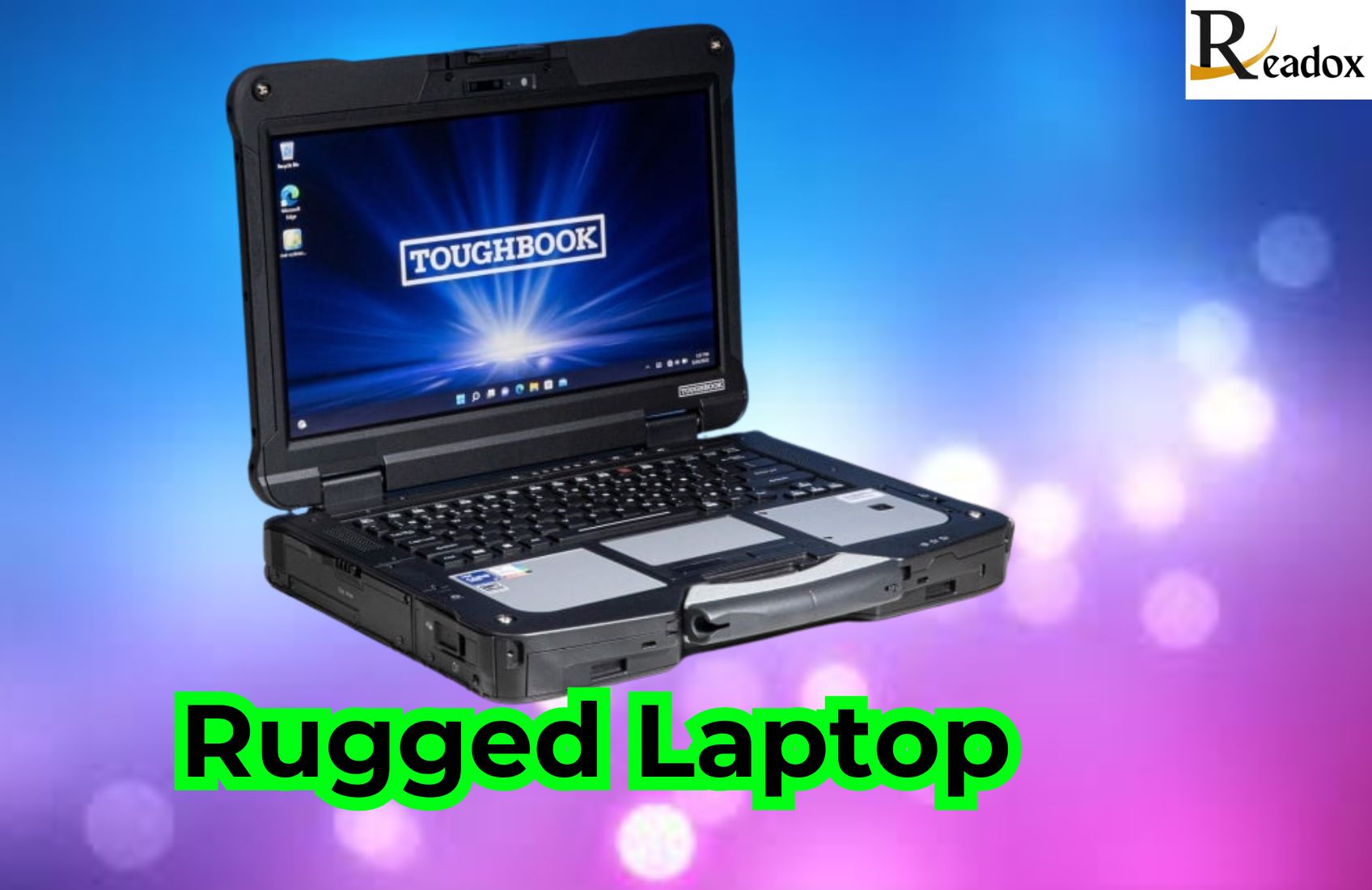
Rugged laptops are computers built to keep working where ordinary laptops fail: they survive drops, vibration, rain, dust and extreme temperatures, and usually have screens you can read in direct sunlight. They come in three broad grades, business-rugged, semi-rugged and fully rugged, and are typically tested against standards such as MIL-STD-810 for shock and vibration and IP ratings for dust and water. If you work on building sites, in vehicles, in the field or in emergency services, a rugged laptop can pay for itself through less downtime and fewer replacements.
This guide explains what makes a laptop rugged, how the grades differ, who actually needs one, the leading brands, what to check before buying and how to look after one so it lasts.
What Is a Rugged Laptop?
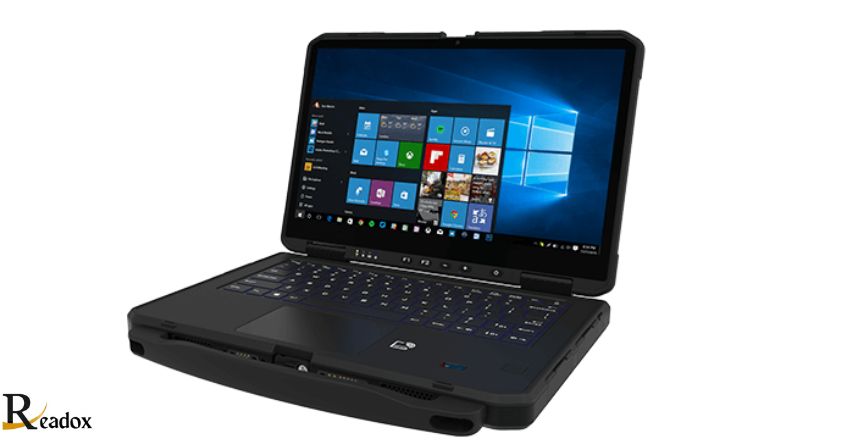
A rugged laptop is a portable computer designed for harsh conditions rather than a desk. Where a standard laptop prioritises thinness and looks, a rugged model prioritises protection: reinforced chassis, sealed ports, shock-mounted storage and keyboards that shrug off spills. The trade-off is extra weight and bulk, and usually a higher purchase price.
Many rugged laptops are tested to recognised standards so buyers can compare them objectively. MIL-STD-810 is a US military test method standard covering drops, vibration, temperature, humidity and more, while IP (Ingress Protection) ratings describe how well a device resists dust and water. A rating such as IP65, for example, indicates the unit is dust-tight and protected against water jets. Always check which specific tests a model has passed, as “MIL-STD tested” on its own can mean very different things.
Business-Rugged vs Semi-Rugged vs Fully Rugged
| Grade | Typical protection | Who it suits |
|---|---|---|
| Business-rugged | Tougher than a standard laptop; some drop and spill resistance | Field sales, inspectors, schools, light outdoor use |
| Semi-rugged | Greater drop resistance, sealed ports, splash and dust protection, often a sunlight-readable screen | Engineers, utilities, police vehicles, warehouses |
| Fully rugged | Highest drop and water ratings, sealed chassis, wide temperature range, often hot-swap batteries | Military, oil and gas, mining, emergency services |
Choosing the lowest grade that genuinely matches your working conditions keeps cost and weight down. A surveyor who mostly works from a van may be well served by a semi-rugged model, while someone working in rain and mud every day will benefit from fully rugged.
Key Features of Rugged Laptops
- Reinforced casing: magnesium alloy or high-grade polymer shells absorb shock from drops and impacts.
- Sealed ports and keyboards: covers and gaskets keep out water and dust; keyboards are spill-resistant and often backlit.
- Sunlight-readable displays: brighter screens, sometimes with anti-glare coatings and glove-friendly touch.
- Shock-mounted storage: solid-state drives with no moving parts are standard on most modern models.
- Long or hot-swappable batteries: some models allow a battery to be changed without shutting down.
- Connectivity: options such as 4G/5G, GPS, serial ports and smart-card readers for field and legacy equipment.
- Security: fingerprint readers, TPM chips and lockable drives to protect data if the device is lost.
Benefits of Using a Rugged Laptop
The main benefit is reliability. A broken laptop in the field means lost work, delayed jobs and sometimes a wasted site visit. Rugged laptops reduce that risk, which lowers repair and replacement costs over their life. They also tend to have longer product cycles and parts availability, which matters for organisations that standardise on one model across a fleet. Extended battery life supports full shifts away from a socket, and stronger security helps protect sensitive data in public settings.
Who Needs a Rugged Laptop?
- Construction and engineering: dust, debris and accidental knocks are part of daily life on site.
- Military and defence: extreme temperatures, vibration and rough handling demand fully rugged hardware.
- Emergency services: police, fire and ambulance crews use vehicle-mounted rugged laptops for mapping and records.
- Utilities and telecoms: engineers working outdoors in all weathers need sunlight-readable, weather-sealed devices.
- Manufacturing and logistics: warehouses and factory floors combine dust, drops and long shifts.
- Field research: scientists, surveyors and agricultural workers need devices that cope with mud, rain and heat.
If you mostly work indoors and occasionally commute, a good-quality standard laptop with a protective case is usually enough.
Rugged Laptops vs Regular Laptops
| Factor | Rugged laptop | Regular laptop |
|---|---|---|
| Durability | Built and tested for drops, water, dust and temperature extremes | Designed for indoor, everyday use |
| Weight and size | Heavier and thicker | Lighter and slimmer |
| Screen | Often bright and sunlight-readable | Harder to read outdoors |
| Ports | Wide range, often including legacy ports, with seals | Fewer ports, rarely sealed |
| Price | Higher upfront cost | Lower upfront cost |
| Lifespan in harsh conditions | Long | Often short |
Popular Brands of Rugged Laptops
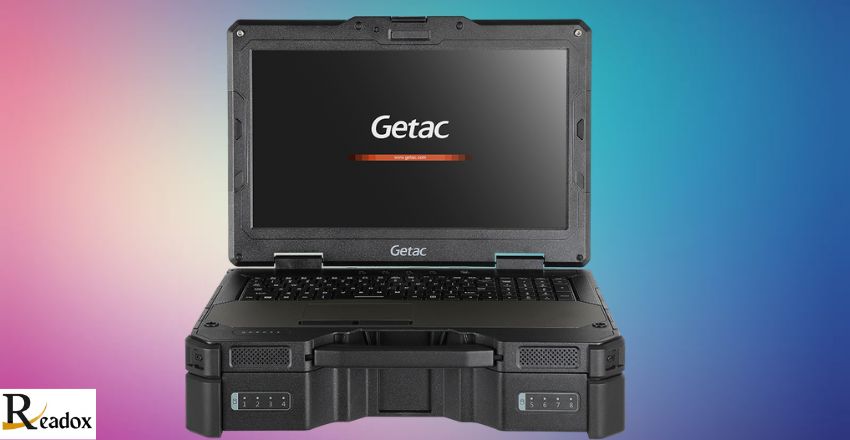
Panasonic’s Toughbook range is one of the most recognised names and covers semi-rugged to fully rugged designs. Dell’s Latitude Rugged series offers both semi-rugged and fully rugged options. Getac specialises in rugged laptops and tablets for industrial, public safety and defence users, and Lenovo offers tougher business models for lighter-duty use. Each brand has strengths, so compare the specific tests passed, warranty terms and accessory ecosystems such as vehicle docks.
How to Choose a Rugged Laptop: Buying Checklist
- Define the environment: list the real conditions, such as rain, dust, drops from what height and temperature range.
- Pick the grade: business-rugged, semi-rugged or fully rugged to match those conditions.
- Check certifications: look for the specific MIL-STD-810 tests and the IP rating, not just a marketing label.
- Assess the screen: brightness, touch, glove and pen support for outdoor work.
- Plan battery needs: consider a second or hot-swappable battery for long shifts.
- Confirm ports and connectivity: mobile data, GPS and any legacy ports your equipment needs.
- Consider docks and mounts: vehicle and desk docks make daily use far easier.
- Compare warranty and support: accidental damage cover and fast repair turnaround reduce downtime.
Cost Considerations
Rugged laptops cost more than comparable standard models because of the materials, sealing and testing involved, and fully rugged units cost the most. The fairer comparison is total cost of ownership: how often would a standard laptop be damaged, how much downtime would that cause, and how often would it need replacing? For many businesses, fewer failures and a longer service life outweigh the higher purchase price. Refurbished rugged laptops from reputable sellers can also be a cost-effective option for smaller firms, provided batteries and seals are checked.
Maintenance Tips for Rugged Laptops
- Clean ports and vents regularly and keep port covers closed when not in use.
- Check gaskets and seals for wear; damaged seals reduce water and dust protection.
- Wipe down with a damp cloth rather than strong solvents, which can damage coatings.
- Keep the operating system, firmware and drivers updated for security and stability.
- Use screen protectors and carry straps to reduce wear.
- Store batteries properly and replace them when capacity falls noticeably.
If you need help with setup, repairs or ongoing support, specialist IT support providers such as Geeks callout can advise on keeping devices in good working order.
The Future of Rugged Laptops
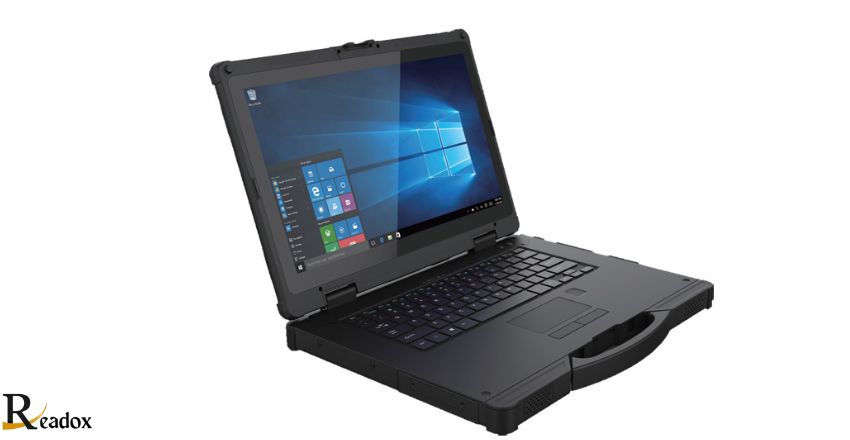
Rugged laptops are getting lighter without losing toughness, and many manufacturers now offer detachable 2-in-1 designs that double as tablets. Expect continued improvements in battery life, brighter displays, faster mobile connectivity and stronger built-in security, alongside more options tailored to specific trades.
Bottom Line on Rugged Laptops
A rugged laptop is worth it when your working environment would regularly damage a standard machine. Match the grade to your real conditions, check the specific certifications rather than the marketing, and budget for docks, batteries and warranty. Done well, the upfront premium buys years of dependable computing in places ordinary laptops simply do not survive.
For more on portable tech, read our guide to the Windows tablet or browse our Tech category.
FAQs
What is a rugged laptop?
A rugged laptop is a computer built to withstand harsh conditions such as drops, vibration, water, dust and extreme temperatures. It typically has a reinforced chassis, sealed ports and a brighter screen for outdoor use.
What is the difference between semi-rugged and fully rugged?
Semi-rugged laptops offer good drop, splash and dust protection for demanding but not extreme use. Fully rugged laptops have the highest protection ratings, fully sealed designs and wider temperature ranges for the harshest environments.
What does MIL-STD-810 mean on a laptop?
MIL-STD-810 is a US military standard describing environmental test methods, such as drop, vibration and temperature tests. Manufacturers usually list which specific tests a model has passed, so check those details rather than relying on the label alone.
Are rugged laptops waterproof?
Most are water-resistant rather than fully waterproof. The IP rating tells you how much protection to expect; for example, IP65 means dust-tight and protected against water jets, but not designed for submersion.
Are rugged laptops worth the money?
For people who work outdoors, on sites or in vehicles, they often are, because fewer breakages and less downtime offset the higher price. For mainly indoor use, a standard laptop with a good case is usually enough.