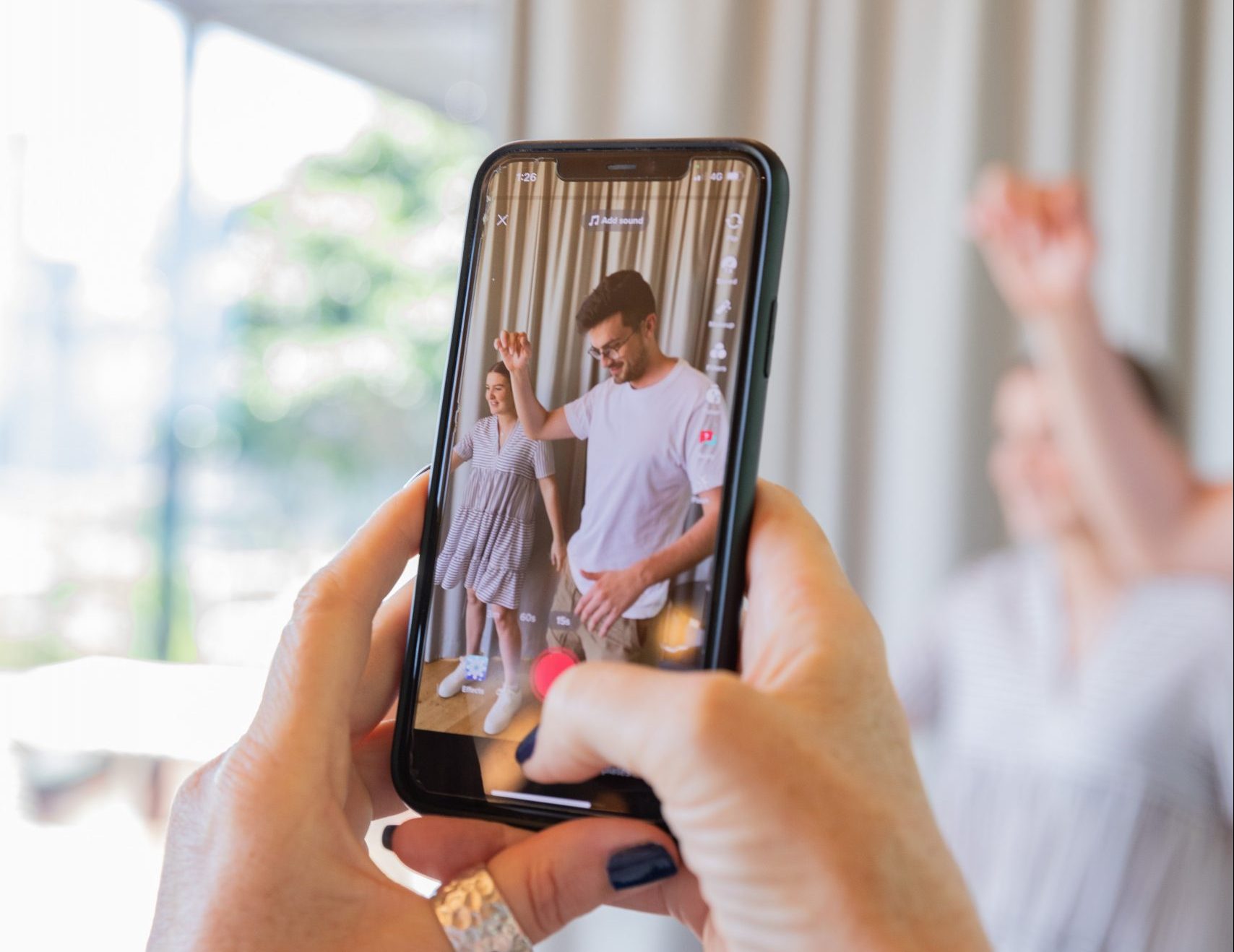
Creators store Instagram Reels and Threads videos offline before editing or republishing for four practical reasons: to keep the best available quality, to edit freely in proper software, to protect their work against deleted posts or locked accounts, and to repurpose one clip across many platforms without re-downloading it each time. The key condition is that the footage is theirs, or that they have permission to use it. Done that way, an offline library turns short-lived posts into lasting assets.
This guide explains each benefit, how to build a sensible offline workflow, and the copyright and platform rules you need to respect.
1. Avoiding quality loss from repeated compression
Every time a video is uploaded to a social platform, it is re-encoded to save bandwidth. Screen-recording a Reel or re-sharing it through another app adds another round of compression, softening text, banding gradients and dulling colour. Working from a saved MP4 file means you start each edit from the cleanest copy you have, so you only lose quality once, at the final export.
If you have lost the original project file for one of your own posts, a tool to download videos from Instagram can recover a usable MP4 of the published version. It will not be as good as your original camera file, but it is usually much better than a screen recording, and it keeps fine details such as animated captions readable when you re-edit.
Tip: always keep your raw footage and project files as the true master. Treat downloaded platform copies as a backup or a convenience, not a replacement.
2. Editing without app limitations
In-app editors are designed for speed, not control. Once a clip is on your computer, it opens in any editor you like, such as Premiere Pro, DaVinci Resolve, Final Cut Pro or CapCut desktop, with no login prompts, upload waits or feature limits. You can:
- Trim precisely to the frame and tighten the hook.
- Colour grade, stabilise and add motion graphics.
- Clean up and remix audio, add voiceover or duck music under speech.
- Reframe for different aspect ratios.
- Add accurate subtitles, which help both accessibility and viewers watching with the sound off.
Offline files also mean you can keep working on a train or plane with no signal.
3. Protecting your work against platform risk
Posts get removed in error, accounts get hacked or restricted, and features change. If your only copy of a video lives on a platform, you are relying on that platform to keep it for you. A local and cloud archive means a lost account or deleted post is an inconvenience rather than a disaster.
A widely used approach is the 3-2-1 backup rule: keep three copies of important files, on two different types of storage, with one copy off-site. For a creator that might mean the working drive, an external SSD and a cloud storage service. Meta’s own account tools also let you request a download of your data, including your posted media, which is worth doing periodically.
4. Repurposing across channels
One strong vertical video can become many pieces of content. With a clean file on hand, you can produce a YouTube Short, a TikTok, a square version for a Facebook or LinkedIn post, a GIF for a newsletter or a short loop for a website. Conversational clips from Threads work well as audio snippets or quote cards. For creators who post on Threads, the ability to download videos from Threads is handy for pulling back their own explainer clips to reuse in emails, community channels or presentations.
| Destination | Common aspect ratio | Adjustments to consider |
|---|---|---|
| Instagram Reels, TikTok, YouTube Shorts | 9:16 vertical | Keep text inside safe zones, strong first second |
| Facebook and LinkedIn feed | 1:1 or 4:5 | Reframe subject, burn in captions |
| YouTube (standard) | 16:9 horizontal | Combine clips, add context or narration |
| Email and websites | Varies | Short silent loop or GIF, small file size |
| Presentations and webinars | 16:9 | Use as b-roll or case study examples |
When you publish the same idea in several places, measuring what each version contributes becomes harder. Our article on moving beyond last-click attribution explains why first-party data matters for judging multi-channel content.
5. Learning from your own library
An organised archive becomes a research tool. Reviewing your past videos side by side with their analytics shows which hooks, lengths, formats and topics held attention. Many creators keep a simple spreadsheet next to their archive recording the file name, date, platform, topic and headline metrics, so patterns are easy to spot when planning the next batch.
How to organise an offline video library
- Use a consistent folder structure, for example Year / Platform / Topic.
- Name files clearly: date, platform, short description and version, such as 2025-11-04_reels_kitchen-tip_v2.mp4.
- Record the source and rights for every clip: your own, a collaborator’s with permission, or licensed stock.
- Separate masters from exports so you never overwrite the best copy.
- Back up automatically to an external drive and a cloud service.
- Review and prune every few months so the library stays useful rather than overwhelming.
Choosing where to store your videos
| Storage | Strengths | Weaknesses |
|---|---|---|
| Laptop or desktop drive | Fastest for editing | Fills up quickly; lost if the machine fails |
| External SSD | Fast, portable, good for active projects | Can be lost or damaged; needs its own backup |
| External hard drive | Cheap per gigabyte, good for archives | Slower, more fragile if dropped |
| Cloud storage | Off-site copy, easy sharing with collaborators | Ongoing subscription; slower to upload large files |
| NAS (network storage) | Central library for teams, can mirror drives | Higher setup cost and some technical knowledge needed |
A simple weekly workflow
Many solo creators settle into a routine along these lines. On publishing day, export the final video and save it alongside the project file in the week’s folder. Once a week, check that everything posted has a saved master, add a line to your content spreadsheet with the topic and early results, and let your backup software copy the folder to the external drive and cloud. Once a month, pick two or three of your best performers and plan how to adapt them for other platforms. Teams can use the same pattern with a shared cloud folder and a simple naming convention, so anyone can find the right file without asking.
Copyright, permission and platform rules
Saving a video to your device does not give you the right to republish it. In the UK, copyright in a video normally belongs to the person who made it, under the Copyright, Designs and Patents Act 1988, and Instagram’s and Threads’ terms say users keep ownership of what they post. Before reusing any clip that is not yours:
- Get written permission from the creator, ideally stating where and how you can use it and whether credit is required.
- Credit properly, even with permission, unless agreed otherwise.
- Check music rights. Tracks licensed for use inside Instagram are not automatically licensed for YouTube, ads or your website.
- Be careful with narrow exceptions. UK law has limited exceptions for things like criticism, review and quotation, but they are narrower than many people assume. Take advice if you rely on them commercially.
- Respect privacy. Avoid republishing clips that feature identifiable members of the public in ways they would not expect.
Also take care with any third-party tool you use: stick to reputable services, avoid entering your social media password into unknown sites, and keep your browser and security software up to date. Our guide to secure and private browsing has more on staying safe online.
Frequently asked questions
Why do creators download their Reels instead of editing in the app?
Offline files avoid extra compression, open in professional editing software, can be backed up safely and are easy to repurpose for other platforms.
Is it legal to download Instagram or Threads videos?
Saving your own content is fine. Republishing someone else’s video generally needs their permission, because the creator usually owns the copyright.
Does downloading a Reel reduce its quality?
A download gives you the version the platform published, which is already compressed. It is better than a screen recording, but your original camera or project file is always the best master.
What is the best way to back up social media videos?
Follow the 3-2-1 rule: three copies, on two types of storage, with one kept off-site or in the cloud.
Can I reuse Instagram music in videos on other platforms?
Not automatically. Music licensed for use inside Instagram may not be licensed elsewhere, so replace it with properly licensed audio when republishing.
This article is general information, not legal advice.