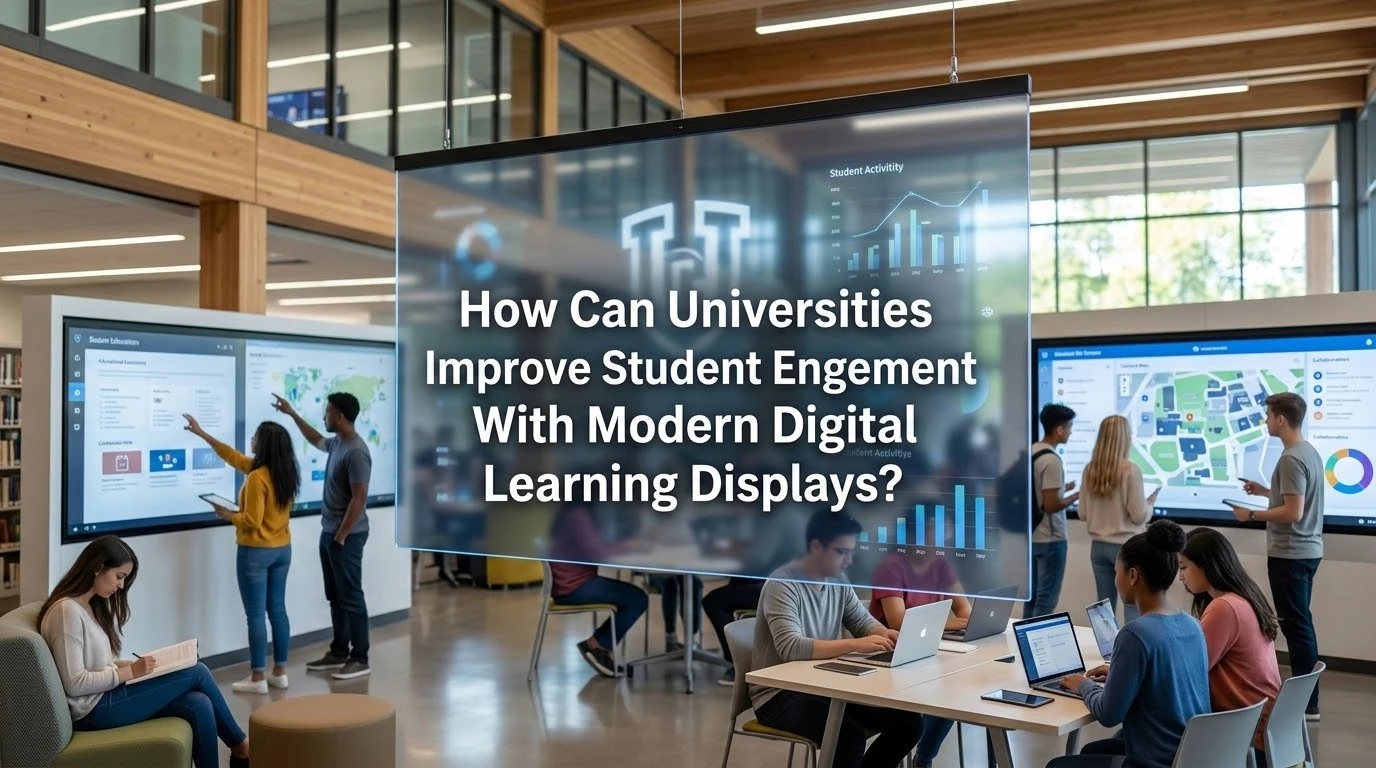
Walk into a typical student union or academic building today. You often see the same thing. Corkboards are plastered with layers of ripped flyers, fading announcements, and outdated club schedules. Students walk right by. They live on their phones and expect information to be immediate and visual. Universities are realizing that passive signage simply fails to capture attention.
If you want students to actually stop and engage, you have to meet their expectations. Digital displays provide a way to do that. Hanging a flat screen on a wall and running a slideshow loop is a start, but it misses the bigger picture. You need a strategy to turn those screens into active hubs of campus life.
- Unified Communication: When information is scattered, students often miss important networking events, guest lectures, and deadlines.
- Better Visibility: Digital displays bring these updates out of cluttered email inboxes and place them directly where students walk every day.
Rethinking The Lecture Hall Setup
Let us look at the actual teaching environment. The standard setup for years has been a ceiling mounted projector and a pull down screen. It gets the job done but it remains a one way street. The professor talks and the students take notes in a dark room. Upgrading to modern displays changes the dynamic of the space entirely. You can keep the lights on, which keeps students awake.
When you install proper touchscreen hardware at the front of a room, a lecture becomes a working session:
- Real-Time Interaction: A professor can pull up a 3D model, annotate a piece of code, or highlight a historical map in real time.
- Active Participation: Students can sometimes cast their own screens to the main board from their seats to share project work.
The key is making sure the new technology integrates cleanly with existing AV systems. Faculty will not use tools that take ten minutes to boot up and calibrate. The system needs to wake up and work the moment someone plugs in a laptop.
Creating Functional Collaborative Spaces
Learning happens outside the lecture hall. Campus libraries and study centers are full of students trying to work together on group projects. If they are hunched over a single thirteen inch laptop screen, the process is frustrating. Adding small digital displays to breakout rooms gives them a focal point. They need to be able to walk in and connect immediately.
- Wireless Connectivity: The days of leaving a tangled mess of VGA cables and adapters on a table are mostly over. Wireless casting is the standard now.
- Enhanced Productivity: Students throw their presentation up on the wall and actually collaborate. It makes the space highly useful.
- Standardized Hardware: When universities provide the right tools in these huddle spaces, usage rates skyrocket. You do not need massive screens here. A standard fifty inch display with simple connectivity options is usually plenty.
Another practical addition is placing small scheduling displays outside these rooms. A screen that shows a red light when the room is booked and a green light when it is available stops people from constantly opening the door to check if a space is free.
Hardware That Actually Survives Campus Life
We have to talk about the physical reality of a college campus. High traffic areas get abused. Backpacks bump into walls. People spill coffee in the lounges. Students poke screens with pens instead of their fingers. If you install standard consumer grade televisions in a busy corridor or a 24/7 engineering lab, you will be replacing them by midterms.
You have to plan for heavy usage and accidental damage from day one. Investing in durable touchscreen solutions saves money in the long run:
- Durability: These units use toughened glass and commercial grade components built to run continuously.
- Resilience: They handle the physical impact of daily campus life without glitching or shattering.
- Clarity: They also deal with things like fingerprint smudges and harsh overhead lighting much better than consumer models.
It is a strictly practical calculation. Spending a little more upfront prevents your IT team from running around swapping out broken screens every few weeks. Commercial warranties also cover heavy usage, whereas consumer warranties are voided the moment you install the screen in a public building.
Wayfinding And Campus Navigation
American university campuses are essentially small cities. Freshmen, visiting parents, and prospective students get lost constantly. Interactive map kiosks are a massive upgrade over static maps that fade in the sun. A good interactive display lets a user search for a specific professor’s office or find the nearest computer lab.
- Mobile Integration: A highly useful feature is allowing users to scan a QR code on the kiosk screen to send the walking directions directly to their phone.
- Event Promotion: You can also tie these displays into the campus event calendar. If there is a guest speaker in the auditorium or a basketball game at the arena, the displays in the student union can actively promote it.
- Accessibility: Interface menus on these kiosks should be placed low enough so that a person in a wheelchair can easily reach all the navigation buttons.
When students know what is happening around them, they are much more likely to participate and feel connected to the campus community.
Managing Content Across The Ecosystem
A digital display network is only as good as the information running on it. I often see universities spend hundreds of thousands of dollars on beautiful screens, only to let the content go stale. If a screen shows the same welcome message for three weeks straight, students develop screen blindness. They stop looking.
You need a solid content management system running behind the scenes. Different departments should be able to push updates easily:
- Dining: The cafeteria can post daily specials.
- Administrative: The financial aid office can post deadline reminders.
- Safety: Campus security must have the ability to take over all screens instantly if there is an emergency.
Keep the backend simple and restrict permissions so departments can only update their own designated zones. A good practice is setting expiration dates on every piece of content. If the debate club has a meeting on Tuesday, the slide promoting it should automatically delete itself on Wednesday morning. This prevents old news from cluttering the system.
Measuring The Impact
Upgrading campus technology is a significant investment. Administrators want to know if it is paying off. The metrics are straightforward:
- Look at study room booking rates before and after you add displays.
- Check the attendance numbers for campus events promoted on your digital signage versus events that were only promoted via email.
- Track whether IT is getting fewer tickets for broken classroom projectors.
- Talk to your facilities team to see if print volume for campus flyers has dropped.
It is about making the campus work better for the people using it. Students expect modern technology because they use it everywhere else in their lives. Providing it shows them the university is paying attention to their needs. You give them the tools to learn, collaborate, and navigate efficiently. A campus that is easy to navigate and highly communicative naturally keeps its students more engaged.